A software update meant to make Samsung’s smart refrigerators smarter instead left many of them unusable, spoiling the food stored inside. The timing made it worse: the failure hit right before Chuseok, South Korea’s harvest holiday, when many households stock up on food for family gatherings.
This article walks through the timeline, Samsung’s response, the real costs owners are left holding, and what to check if you own a smart appliance tied to a cloud platform.
The Refrigerator That Became Unusable After an Update
Owners in South Korea first reported the problem on September 22, after their refrigerators received an update through Samsung’s SmartThings smart-home platform. Samsung’s community forum, Samsung Members, filled up with dozens of posts from frustrated users describing appliances that stopped working.
Affected units lost power, went offline, and displayed an update-related error message on their built-in touchscreens. The pattern made clear this was a software failure, not misuse by owners.
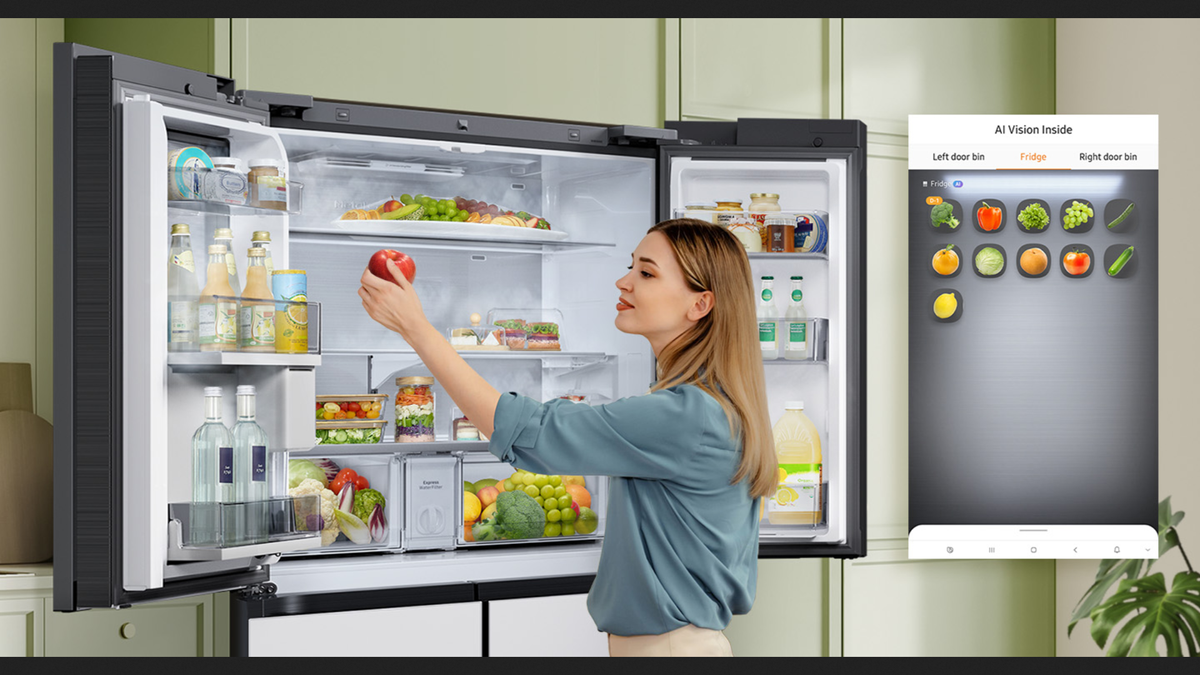
When an Entire Fridge Becomes Damage from a Single Update
The timing compounded the damage. Chuseok is a mid-autumn harvest festival when Korean households traditionally stock up on food to cook and share with family, so a fridge going dark meant losing everything stored for the holiday, not just a few leftovers. One frustrated owner said they had to throw out 20kg of food, asking how they were supposed to celebrate the holiday like this.
The damage wasn’t limited to repair costs. Fresh food, frozen food, and ingredients bought specifically for the holiday all had to be discarded. A smart refrigerator is supposed to reduce daily burdens through temperature management and alerts; instead, a single bad update turned it into a direct financial and food-safety risk.
What Samsung Says Happened
A Samsung Electronics spokesperson said the company halted the rollout after discovering the software had been “mis-distributed,” and that it would try to fix affected units before Chuseok.
Samsung has not answered questions about how many units or countries were affected, or what it will do to prevent a repeat. Some reports indicate repair visits for certain customers are slipping into October, suggesting the fix is taking longer than owners were led to expect.
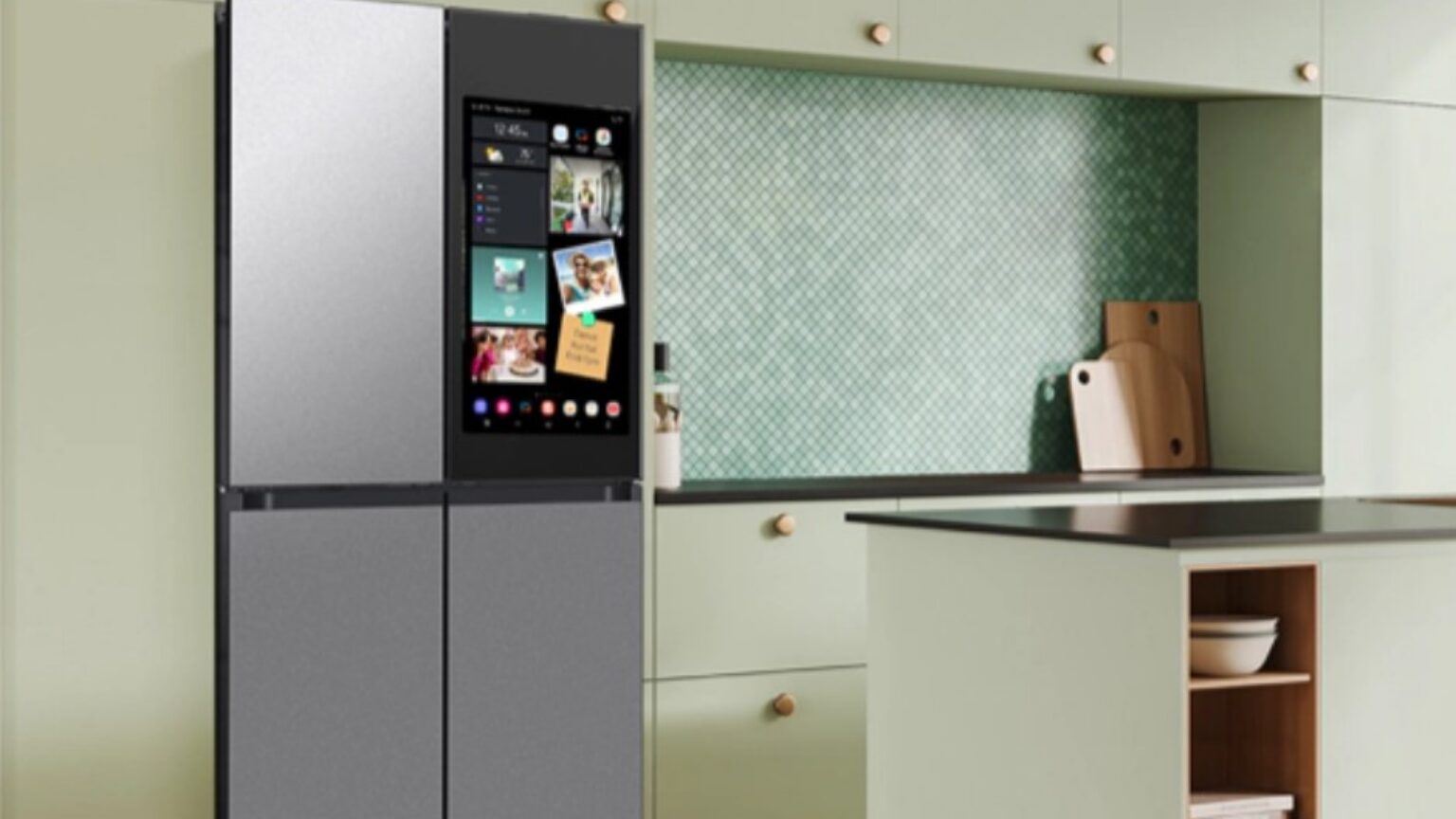
Features That Seem Useful—Until the Day They Stop Working
Door-open and abnormal-temperature alerts through SmartThings normally help owners catch problems while away from home, and remote monitoring is handy for checking the fridge before heading back from the store.
The built-in touchscreen’s food-list features help track what’s inside and cut down on duplicate purchases. But this incident shows all of those features share the same dependency: one platform. When the update failed, alerts, remote monitoring, and the on-screen display went down together, so owners had no way to know the fridge had stopped cooling until the food was already spoiled.
Alternatives That Don’t Bet Food Freshness on a Single System
If stability matters more than smart features, look for a refrigerator that still offers full manual temperature control without needing an app or the cloud, and check the model’s update and repair policy before buying.
| Factor | Samsung smart fridge tied to SmartThings | Other cloud-connected smart fridges | Conventional fridge with no internet connection |
|---|---|---|---|
| Stability | Depends on every software update succeeding | Depends on every software update succeeding | Not tied to remote updates |
| Control if the system fails | Limited if the app or screen goes down | Limited if the app or screen goes down | Manual dials always work |
| Problem alerts | Detailed, but fails along with the core system | Detailed, but fails along with the core system | No automatic alerts—check manually |
| After-sales policy | Check how update-caused damage is handled | Check how update-caused damage is handled | Standard appliance warranty and parts |
Strengths That Remain and Weaknesses Owners Must Risk
SmartThings-connected fridges still keep their usual strengths: remote alerts, on-screen food tracking, and integration with other smart-home devices. Those are genuinely useful on a normal day.
But this incident underlines the real weakness: a basic appliance like a refrigerator now depends entirely on a remote software update succeeding. When distribution goes wrong, as Samsung admitted it did here, owners have almost no way to see it coming or protect themselves.
The Real Cost of a Refrigerator That Food May End Up Paying For
The purchase price isn’t the whole cost. If an update breaks the system, spoiled food becomes an immediate expense—one owner in this case lost 20kg of food during the holiday—on top of travel, temporary storage, and technician fees.
There’s also the cost of waiting for a repair slot, which for some customers is reportedly stretching into next month. The more a refrigerator depends on updates from the manufacturer, the greater the long-term risk, since a single software mistake can directly hit essential household supplies through no fault of the owner’s own.
What Owners Should Check After This Incident
Check whether your refrigerator received the problematic update. If it’s still working normally, temporarily disable automatic updates in the SmartThings app and wait for an official announcement from Samsung before installing anything new.
Photograph spoiled food and the error screen, and log when the problem started. Keep receipts or other evidence of expenses, then contact Samsung’s service center for a fix and compensation.
Keep an eye on Samsung’s official statements and relief measures. The incident raises a broader question: as basic appliances like refrigerators depend more and more on manufacturer-controlled software, how responsible should manufacturers be for damage caused by their own mistakes?